
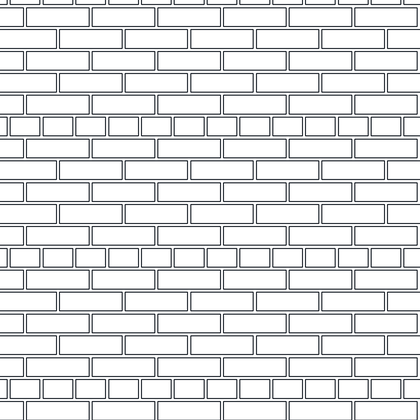
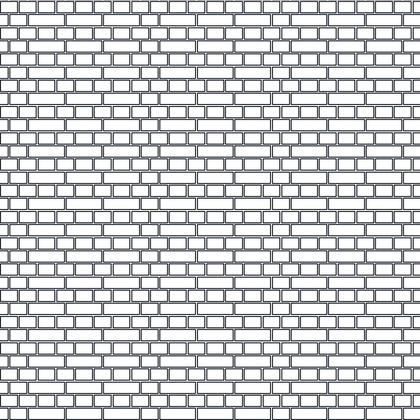
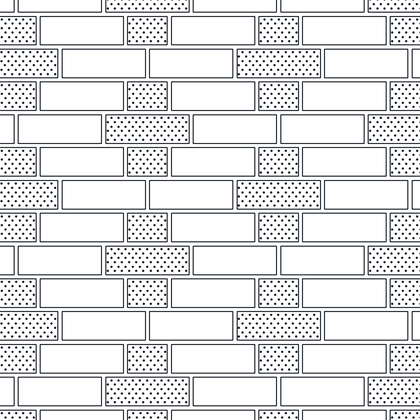
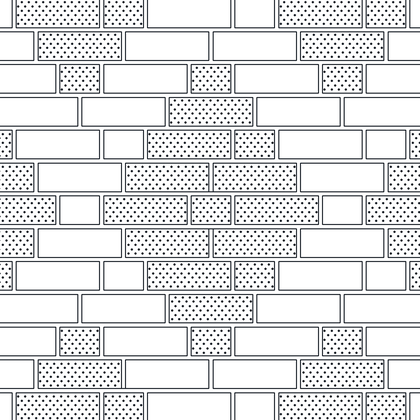
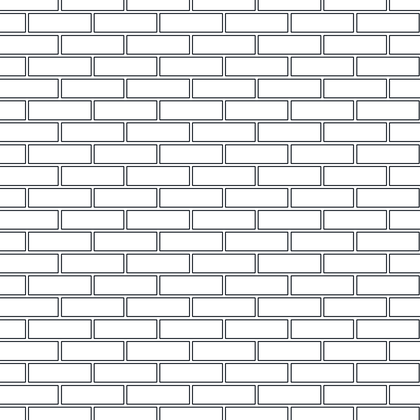
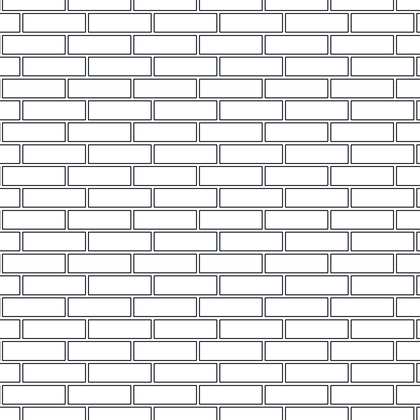
Twelve traditional brick bonds, each one a separate download so you can take only the bond you need. Every pattern below is shown as it will hatch, and the bonds are the real thing – English, Flemish, common, garden wall and their cross and diaper variants, as they have been laid for centuries. These are the patterns that make a brick elevation read as brickwork rather than as a grid of rectangles.
Each pattern is a separate download containing a single .PAT file — take the one you need rather than a whole library. Back to the full hatch pattern library.

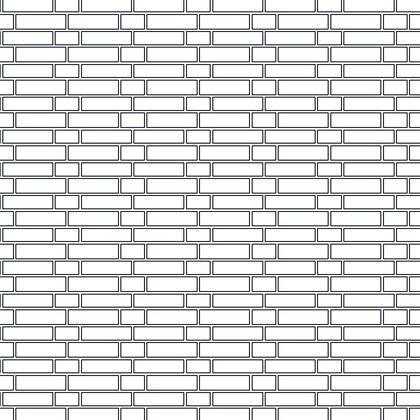
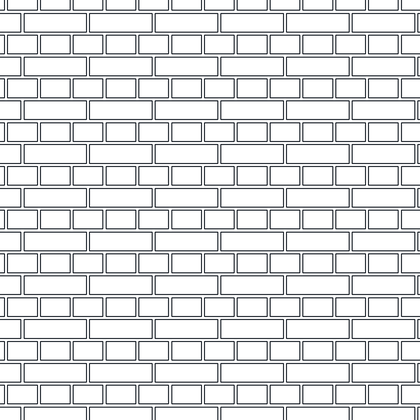
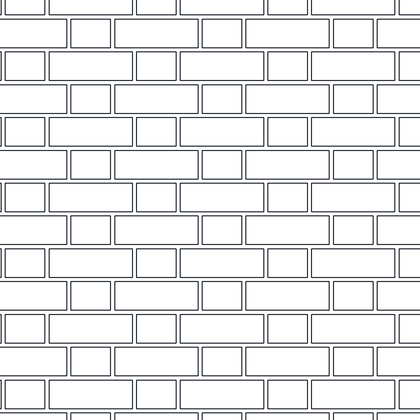
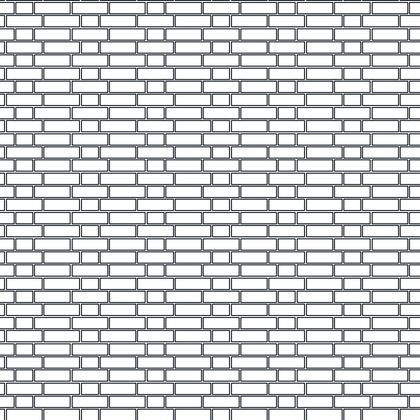

Installing these patterns
- Unzip the download and put the
.PATfile somewhere AutoCAD searches — the support file search path underOPTIONS > Filesis the simplest place. - Run
HATCH, set the pattern type to Custom and pick the pattern by name. - Adjust the hatch scale to suit your drawing scale. If the hatch fills solid the scale is too small; if nothing appears it is too large.
These work in Revit as fill patterns too — see creating custom hatch patterns in AutoCAD and using them in Revit.